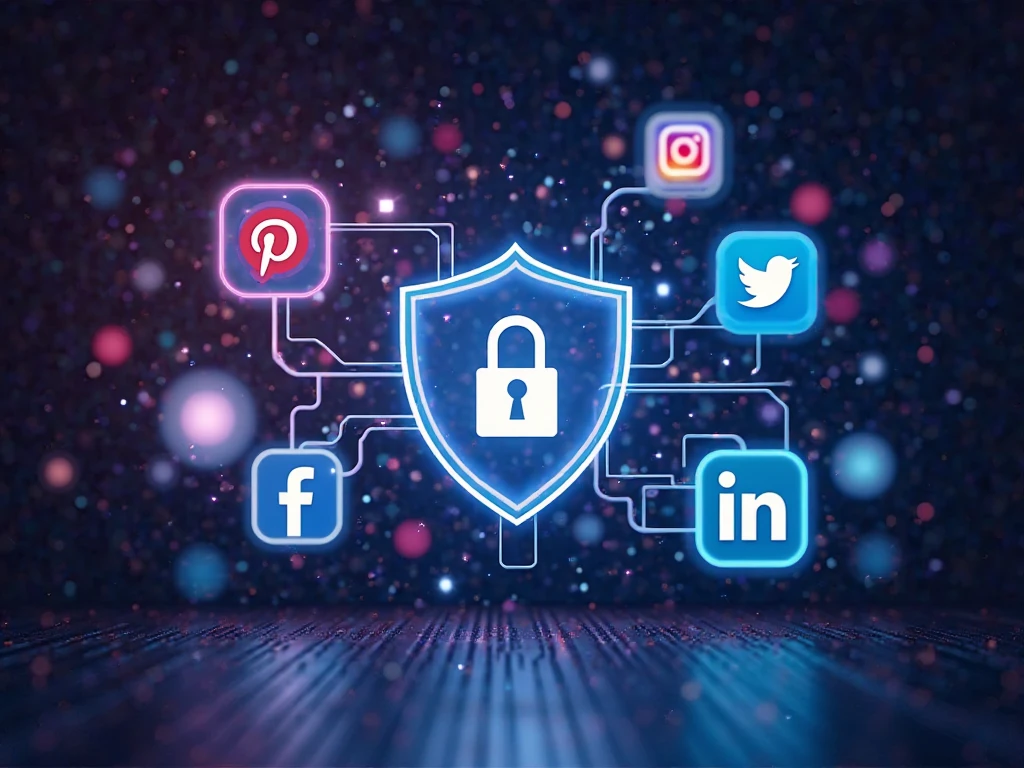
Social media is an integral part of our daily lives, but it also comes with serious security risks. Protecting your social media accounts from cyber attacks is crucial to keeping your personal and professional information safe. Hackers constantly try to gain access to accounts, steal sensitive data, spread malware, and even take over profiles for malicious purposes. In this guide, we’ll explore the best strategies to secure your social media accounts and protect yourself from cyber threats.
1. Create Strong and Unique Passwords
A strong password is your first line of defense against hackers. Many people still use simple and easy-to-guess passwords, making their accounts vulnerable to cyber attacks.
Tips for Creating Strong Passwords:
- Use at least 12-16 characters.
- Combine uppercase and lowercase letters, numbers, and special characters.
- Avoid using personal details like your name, birthdate, or common words.
- Use a password manager to generate and securely store passwords.
Learn more about password management from LastPass.
2. Enable Two-Factor Authentication (2FA)
Two-factor authentication (2FA) adds an extra layer of security by requiring a second form of verification, such as a one-time code sent to your phone or email. Even if hackers obtain your password, they won’t be able to access your account without this second step.
How to Enable 2FA:
- Go to the security settings of your social media account.
- Select Two-Factor Authentication and choose a verification method.
- Use an authentication app like Google Authenticator or Authy for added security.
Check out Google’s guide on 2FA for more details.
3. Watch Out for Phishing Scams
Phishing attacks trick users into revealing their login credentials by pretending to be a legitimate source. These scams often appear as fake emails, direct messages, or websites that mimic real social media platforms.
How to Identify Phishing Scams:
- Be cautious of emails with urgent requests to reset your password.
- Avoid clicking on suspicious links in messages or emails.
- Double-check the sender’s email address or profile before responding.
- Enable email filtering to reduce phishing attempts.
Learn how to recognize phishing scams from FTC.
4. Adjust Your Privacy Settings
Most social media platforms allow you to control who can see your posts, personal details, and interactions. Regularly reviewing and updating these settings will help minimize your risk of exposure to cyber threats.
Recommended Privacy Settings:
- Set your profile to private or friends-only where possible.
- Restrict who can send you friend requests or direct messages.
- Limit the amount of personal information visible to the public.
- Review and remove third-party apps connected to your account.
Check Facebook’s privacy settings guide to manage your preferences.
5. Monitor Your Account Activity
Regularly checking your account activity can help detect unauthorized access. Most platforms provide logs of recent login locations and devices used to access your account.
How to Monitor Account Activity:
- Go to your account’s security settings.
- Review recent logins and device access.
- Log out from unrecognized sessions.
- Change your password if you notice suspicious activity.
Learn more about account security on Twitter’s security help page.
6. Be Cautious with Third-Party Apps
Some third-party apps request access to your social media accounts, but not all of them are safe. Malicious apps can compromise your data and expose you to cyber threats.
How to Stay Safe:
- Only authorize apps from trusted developers.
- Revoke access to apps you no longer use.
- Carefully read permissions before granting access.
Discover more about app security from Norton.
7. Be Aware of Social Engineering Tactics
Hackers often use social engineering tactics to trick people into revealing their login credentials or personal information. They might impersonate friends, customer support representatives, or even celebrities to gain your trust.
How to Avoid Social Engineering Attacks:
- Verify the identity of anyone asking for sensitive information.
- Be skeptical of too-good-to-be-true offers.
- Avoid sharing personal details on public platforms.
Read more about social engineering from Kaspersky.
8. Keep Your Software and Devices Updated
Cybercriminals exploit security weaknesses in outdated software. Keeping your devices and apps updated ensures that you have the latest security patches to protect against vulnerabilities.
Best Practices:
- Enable automatic updates for your operating system and apps.
- Install reputable antivirus software to detect threats.
- Regularly update your web browser to stay secure online.
Stay informed about the latest software updates from Microsoft Security.
9. Log Out When Using Public or Shared Devices
If you log into social media accounts from a public or shared computer, always log out before leaving. Failing to do so can leave your account exposed to unauthorized access.
Additional Safety Tips:
- Use incognito mode when accessing social media on shared devices.
- Avoid saving passwords on browsers in public environments.
- Clear your browser history and cookies regularly.
10. Report Suspicious Activity Immediately
If you suspect that your social media account has been compromised, report it to the platform immediately. Most social media companies have security teams dedicated to handling account recovery and fraud prevention.
How to Report an Issue:
- Visit the platform’s Help Center or Security Page.
- Follow the steps to report suspicious activity.
- Change your password and enable additional security settings.
Visit Facebook’s security help page for more information on reporting issues.
Conclusion
Protecting your social media accounts from cyber attacks is all about taking proactive steps to secure your information. By using strong passwords, enabling two-factor authentication, and being cautious of phishing scams, you can significantly reduce the risk of cyber threats. Regularly updating your security settings, monitoring account activity, and staying informed about emerging threats will further enhance your protection.
Cybersecurity is a shared responsibility, and by following these best practices, you can keep your online presence safe. Stay alert, stay secure, and enjoy social media with peace of mind!
For more cybersecurity tips, check out StaySafeOnline.